
Domande frequenti
How to rename your email address in Plesk? Stampa Articolo
1. Log in to your Plesk account.
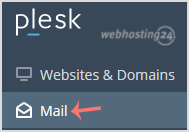
2. In the Sidebar Menu, click on Mail.
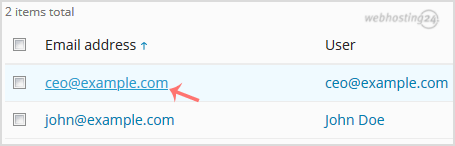
3. Below the email address list, click on the email account you wish to rename.
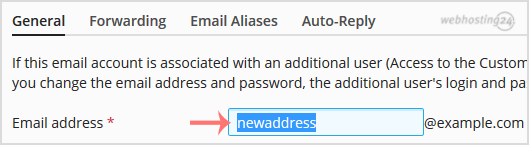
4. In the Email address field, enter your new email name.
5. Scroll down to the end of the page and click OK.
Hai trovato questa risposta utile?
Articoli Correlati
How to Create an Email Account in Plesk?
Follow this tutorial to create an email account in your Plesk. 1. Log in to your Plesk...
Follow this tutorial to create an email account in your Plesk. 1. Log in to your Plesk...
How to access your email account from Plesk Webmail?
You can access your Email account directly from Webmail. Open https://webmail.example.com,...
You can access your Email account directly from Webmail. Open https://webmail.example.com,...
Come modificare la password del tuo account e-mail in Plesk?
1. Accedere all'account Plesk. 2. Nel menu della barra laterale, fare clic su Mail (o...
1. Accedere all'account Plesk. 2. Nel menu della barra laterale, fare clic su Mail (o...
